How it works
You don't need to be an AI expert and you don't need to write perfect prompts. Describe what you're working on in plain language and the coach takes it from there.
Three steps
Create an account
Start with the free trial — no credit card. You'll verify your email, and then all nine coaches are open to you. (Check spam if the verification doesn't arrive; it's the most common snag.)
Describe what you’re working on
Type it the way you’d say it to a colleague. "I need a year-end appeal" is a fine place to start, and the coach will ask what it needs to know.
Keep going until it’s right
The first response is a starting point rather than a finished product. Tell it what's off, what to cut, and what your organization does differently, and it adjusts.
What a session actually looks like
Most people work in five to ten minute conversations. You can't break anything, you can always start over, and nothing you type is used to train a model.
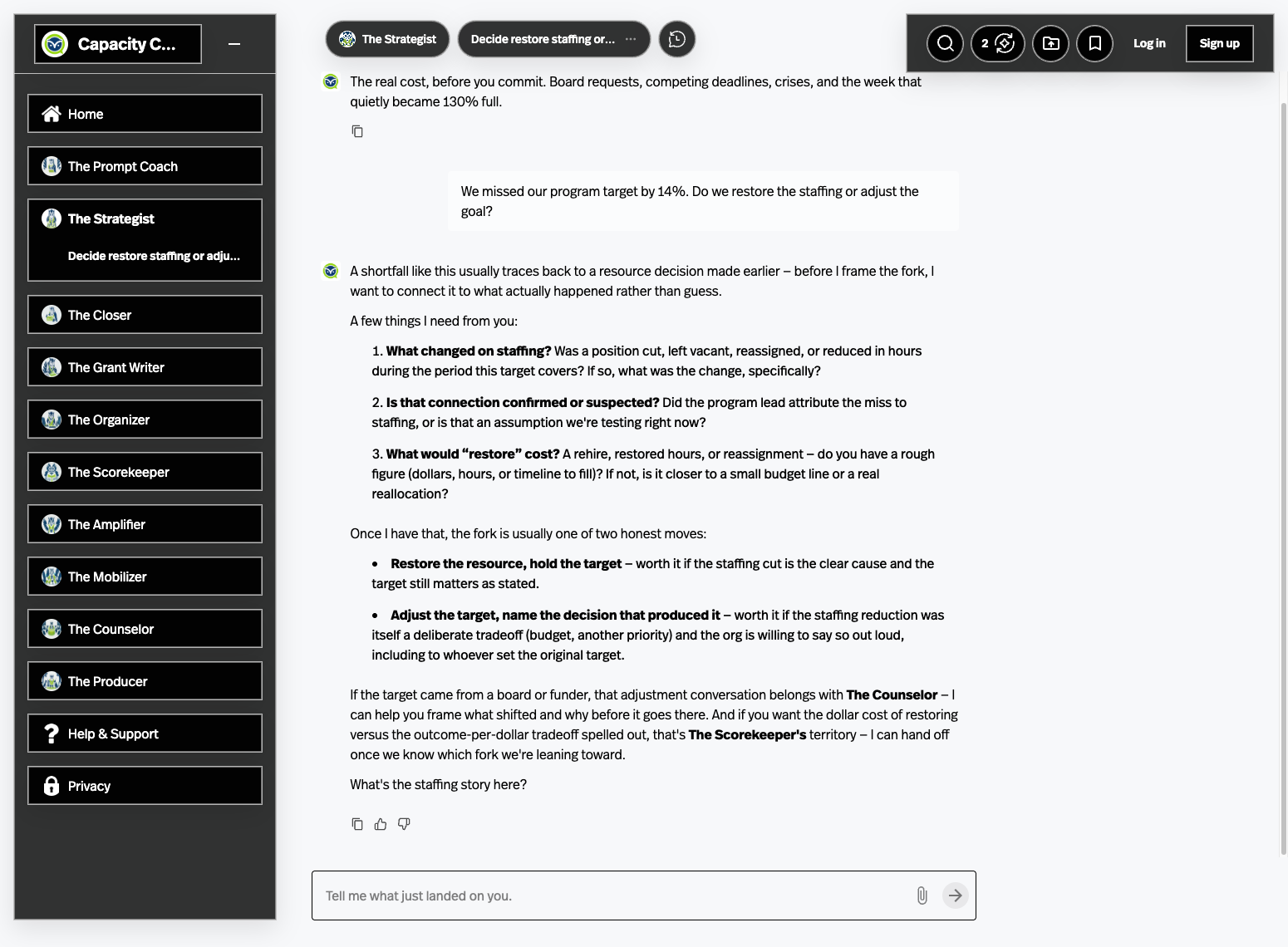
A realistic first session: you paste last year's appeal letter, ask The Closer what's weak about it, get four observations back, disagree with two of them, and leave with a rewritten opening paragraph. That's a normal outcome and a good use of ten minutes.
If you're not sure where to start
Ask The Prompter. Describe the situation, and it will shape the request and tell you which coach should take it.
Build your own Custom Capacity Command Center
For organizations with complex programs, sensitive knowledge, or advanced workflows, we offer a Custom Capacity Command Center—a private, branded version of the CCC built around your documents, your processes, and your team structure.
If you need deeper control over your knowledge base, custom automations, organization-specific actions, or a fully branded AI studio, a custom CCC lets you extend the same nonprofit-trained agents into a secure, tailored environment designed just for your mission.